A Fun Way to Learn Tech Terminology IT Word Search

A Fun Way to Learn Tech Terminology IT Word Search
In the fast-paced world of information technology, staying familiar with technical vocabulary is essential whether you're a seasoned professional, a student just starting out, or simply someone curious about the digital world we live in. But who says learning tech terms has to be boring? Enter the IT word search: a puzzle that combines entertainment with education, making it an excellent tool for reinforcing technology concepts while having fun.
What Makes IT Word Searches Special?
Unlike traditional word searches filled with random words, IT-themed puzzles are packed with relevant terminology from the computing world. You might find yourself hunting for terms like "algorithm," "firewall," "bandwidth," or "encryption" hidden among a grid of letters. These puzzles serve a dual purpose: they're engaging brain teasers that also help cement important vocabulary in your memory.
- A Fun Way to Learn Tech Terminology IT Word Search
- What Makes IT Word Searches Special?
- Creating Your Own IT Word Search
- Puzzles:
- Benefits Beyond Vocabulary
- Making It Competitive
- How to Play IT Word Search Complete Guide
- What You'll Need
- Understanding the Puzzle Layout
- Instructions
- Review the Word List
- Scan Strategically
- Look for Patterns
- Start with Longer Words
- Mark Your Finds
- Work Through the Remaining Words
- Pro Tips and Strategies
- Common Mistakes to Avoid
- Digital vs. Print Versions
- Challenge Yourself
- Conclusion The Lasting Value of IT Word Search
For educators, It wordsearch offer a refreshing alternative to traditional study methods. Students are more likely to engage with material when it's presented in a game-like format, and the repetitive act of scanning for and recognizing technical terms helps with retention. For professionals, these puzzles can serve as a quick mental break that still keeps your mind in the tech space.
Creating Your Own IT Word Search
Making a custom IT word search is easier than you might think. You can tailor the difficulty and content to match specific learning objectives or areas of interest. Here are some popular categories to consider:
Networking terms: router, switch, protocol, TCP/IP, DNS, server, bandwidth, latency
Cybersecurity vocabulary: malware, phishing, authentication, ransomware, VPN, firewall, antivirus
Programming concepts: variable, function, loop, array, debugging, syntax, compiler
Hardware components: processor, motherboard, RAM, SSD, GPU, keyboard, monitor
Cloud computing: virtualization, storage, scalability, AWS, Azure, infrastructure
Many free online tools allow you to input your word list and automatically generate a printable word search grid. You can adjust the size, difficulty level, and even the direction words can appear (horizontal, vertical, diagonal, backwards).
Puzzles:
Benefits Beyond Vocabulary
IT word searches offer more than just terminology practice. They improve pattern recognition skills, enhance focus and concentration, and provide a low-stress way to familiarize yourself with the spelling of complex technical terms. For those new to IT, seeing these words repeatedly in different contexts helps normalize the language of technology.
They're also wonderfully versatile. Use them as ice-breakers in training sessions, include them in newsletters to engage your team, or simply keep one on your desk for those moments when you need a quick mental reset that doesn't completely pull you away from your professional mindset.
Making It Competitive
Want to add an extra layer of engagement? Turn your IT word search into a timed competition. See who on your team can find all the terms fastest, or create weekly challenges with prizes for top performers. This gamification approach can boost morale while reinforcing the technical knowledge your organization values.
Whether you're using IT word searches as an educational tool, a team-building activity, or simply as a personal brain teaser during your coffee break, these puzzles prove that learning technology terminology doesn't have to feel like work. Sometimes the best way to master the complex world of IT is to approach it playfully, one hidden word at a time.
How to Play IT Word Search Complete Guide
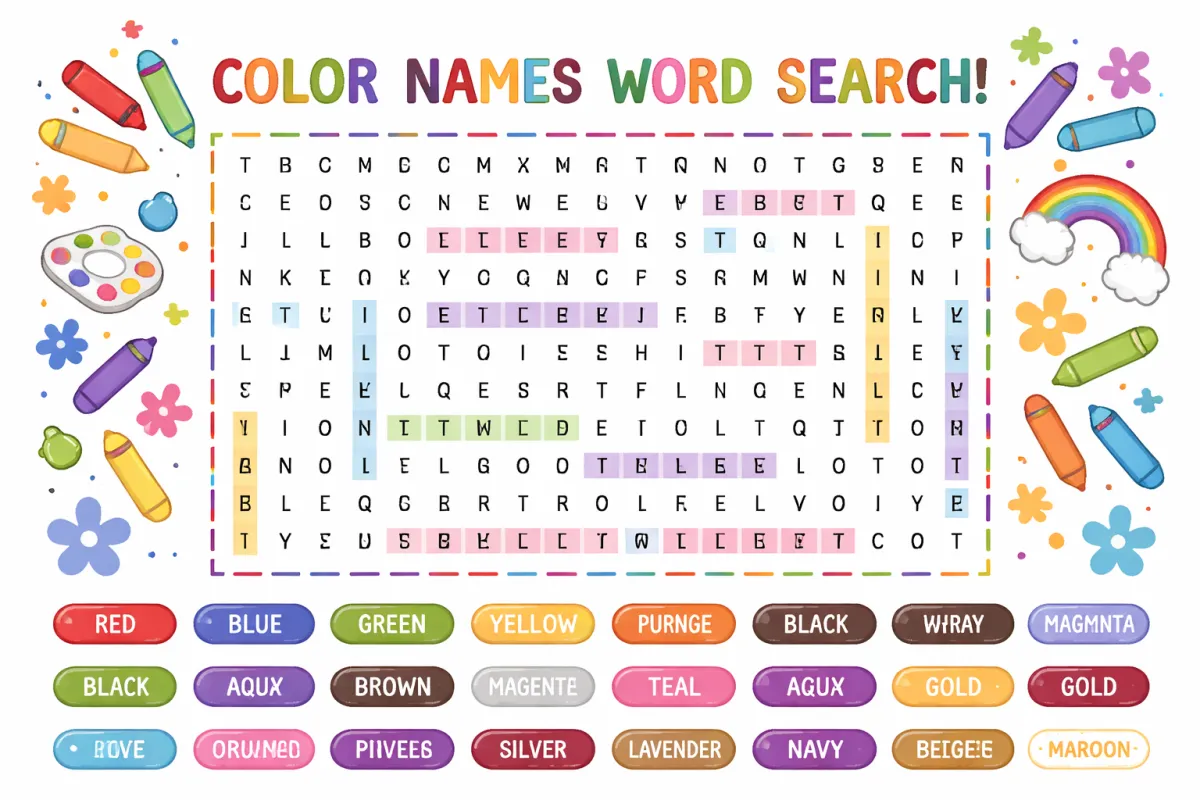
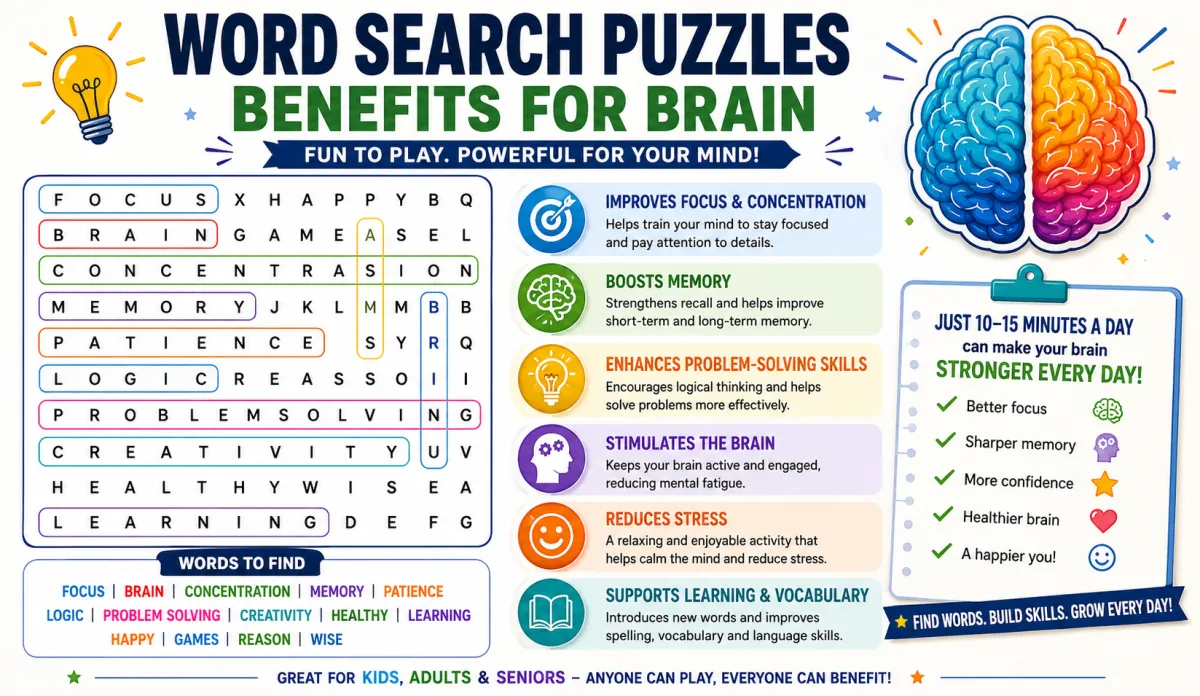
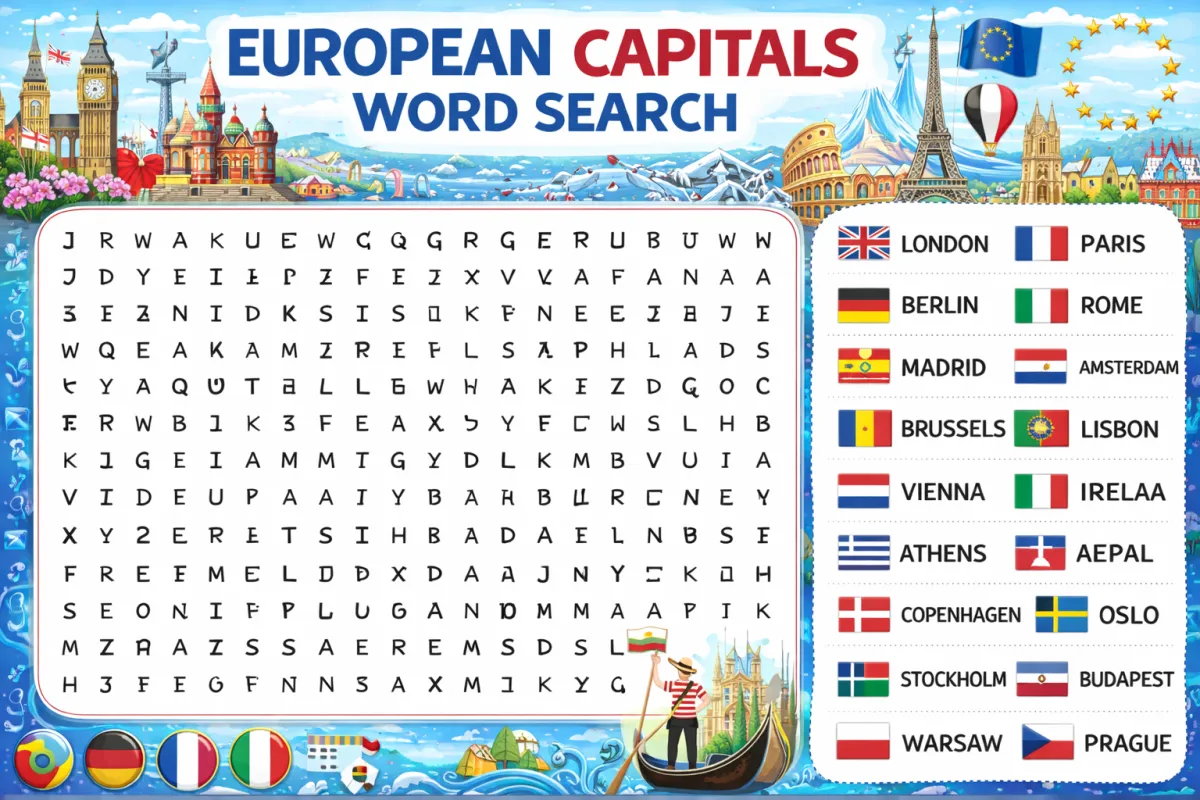
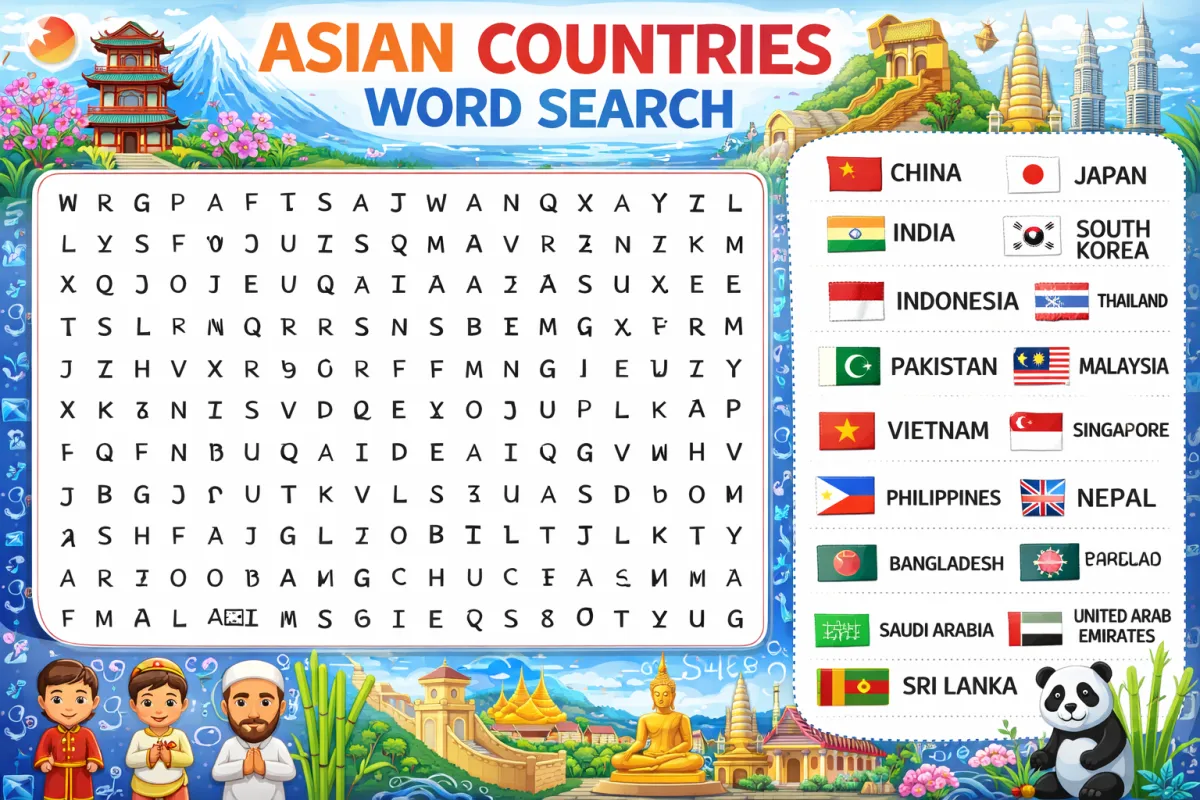
IT word searches are an entertaining way to familiarize yourself with technology terminology while enjoying a classic puzzle game. Whether you're new to word searches or looking to sharpen your tech vocabulary, this guide will walk you through everything you need to know to play and excel at IT word searches.
What You'll Need
Before you begin, gather these simple materials:
- An IT word search puzzle (printed or digital)
- A pencil, pen, or highlighter if using a printed version
- A word list (usually provided with the puzzle)
- Optional: a timer if you want to challenge yourself
Understanding the Puzzle Layout
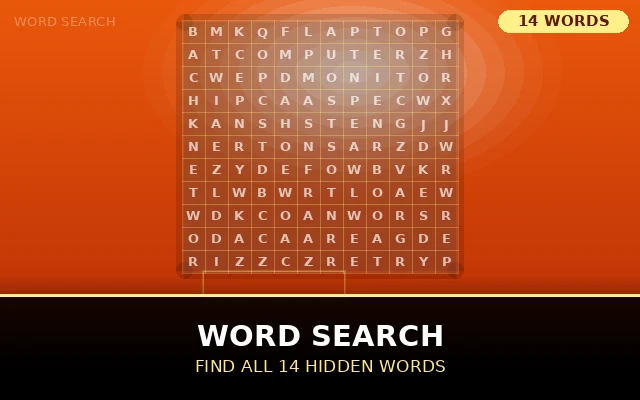
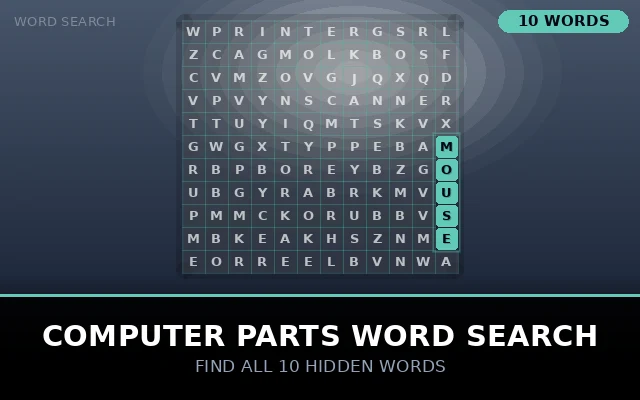
An IT word search consists of a grid filled with letters, typically ranging from 10x10 to 20x20 squares or larger. Hidden within this grid are technology-related terms from the provided word list. These words might include terms like "software," "database," "coding," "server," or "cybersecurity."
The words can be oriented in several directions: horizontally (left to right or right to left), vertically (top to bottom or bottom to top), and diagonally (in any of the four diagonal directions). Some puzzles use only horizontal and vertical placements for easier gameplay, while advanced versions include all possible directions.
Instructions
Review the Word List
Start by carefully reading through the entire word list. This helps you know what you're looking for and gives you a mental picture of the words. Pay attention to word length longer words like "infrastructure" or "virtualization" are often easier to spot than short terms like "RAM" or "API."
Scan Strategically
Rather than randomly searching the grid, use a systematic approach. Many players find success by scanning row by row or column by column. Look for distinctive starting letters, especially less common ones like Q, X, or Z. In IT word searches, you might search for technical prefixes like "cyber-" or suffixes like "-ware."
Look for Patterns
Train your eyes to recognize common letter combinations in tech vocabulary. Double letters (like the "ss" in "processor"), frequent pairings (like "th" in "algorithm"), or unique sequences can help words pop out from the grid.

Start with Longer Words
Longer words are typically easier to locate because they form more distinctive patterns. Search for terms like "authentication," "encryption," or "motherboard" before tackling shorter words like "CPU," "LAN," or "bug."
Mark Your Finds
When you locate a word, mark it clearly. Circle it, highlight it, or draw a line through it whatever method works best for you. Be sure to also cross off or check the word from your list so you know what you've already found.
Work Through the Remaining Words
As you eliminate words from your list, the remaining terms become your focus. Sometimes finding several words helps you spot others, as the used letters create patterns that make the remaining words more visible.
Pro Tips and Strategies
Use the elimination method: Cross off words as you find them to maintain focus on what's left.
Check corners and edges first: Puzzle creators often place words along the borders where they have fewer placement options.
Look for uncommon letters: In IT word searches, search for Q (in "SQL"), X (in "proxy"), or Z (in "virtualization") as these letters don't appear frequently.
Take breaks: If you're stuck, step away for a moment. Fresh eyes often spot words you previously missed.

Work backwards: Sometimes it's easier to find words when searching in reverse, especially for terms you're very familiar with.
Common Mistakes to Avoid
Don't rush through the word list taking time to understand what you're looking for pays off. Avoid marking random letter sequences that aren't actually on your list. Double-check that you've identified the complete word before marking it, as partial matches don't count.
Digital vs. Print Versions
Digital IT word searches often come with helpful features like automatic word checking, hints, and timers. Print versions offer the tactile satisfaction of physically marking your progress and can be easier on the eyes during extended play sessions. Choose whichever format suits your preference and situation.
Challenge Yourself
Once you've mastered the basics, increase the difficulty by timing yourself, trying larger grids, or tackling puzzles with more obscure IT terminology. Some advanced puzzles don't provide word lists at all you simply search for any valid tech terms you can find within the grid.
IT word searches combine the joy of puzzle-solving with valuable learning. Each game reinforces your recognition of technology vocabulary, making you more comfortable with the language of IT. So grab a puzzle, apply these strategies, and enjoy the satisfying hunt for hidden tech terms!
Read More: Animals Word search
Conclusion The Lasting Value of IT Word Search
As we've explored throughout this discussion, IT wordsearch are far more than simple puzzles they're versatile educational tools that bridge the gap between learning and entertainment in the technology field. Whether you're a student building foundational knowledge, a professional staying sharp with industry terminology, or an educator seeking engaging ways to teach tech concepts, these puzzles offer something valuable for everyone.
The beauty of IT word searches lies in their accessibility. They require no special equipment, can be enjoyed alone or in groups, and adapt easily to any skill level. From beginners learning basic terms like "mouse" and "keyboard" to advanced users hunting for specialized vocabulary like "containerization" and "microservices," there's always a puzzle that fits your expertise.